> For the complete documentation index, see [llms.txt](https://docs.reduxpayments.com/llms.txt). Markdown versions of documentation pages are available by appending `.md` to page URLs; this page is available as [Markdown](https://docs.reduxpayments.com/getting-started/quickstart.md).
# Quickstart Guide
Here's how you can get started with Redux in less than 30 minutes:
***
### Silent Recovery
> Redux recovers the majority of failed subscriptions silently, behind the scenes. By identifying optimal windows for bank approval based on millions of B2C transactions, our AI retries and recovers revenue without interrupting the customer experience. Most declines are resolved before you ever need to send an email.
### 1) Configure AI Retries:
1\) In Stripe, navigate to [Revenue Recovery > Retries](https://dashboard.stripe.com/revenue-recovery/retries)
2\) Click "Manage"
3\) Select “Custom retries”. Delete the default attempts.
4\) Have it look exactly like below:
5\) Scroll down and set Subscription Status to “leave the subscription past-due”:
6\) For Invoice Status, set to “leave the invoice past-due”:
7\) Navigate to the [Emails](https://dashboard.stripe.com/revenue-recovery/emails) tab and turn off Stripe's emails
8\) Lastly, send a screenshot of your configuration settings to our team to confirm and set your account live
That's it. Redux will now start retrying payments, optimizing to your business and begin increasing your recovery.
***
### Active Recovery
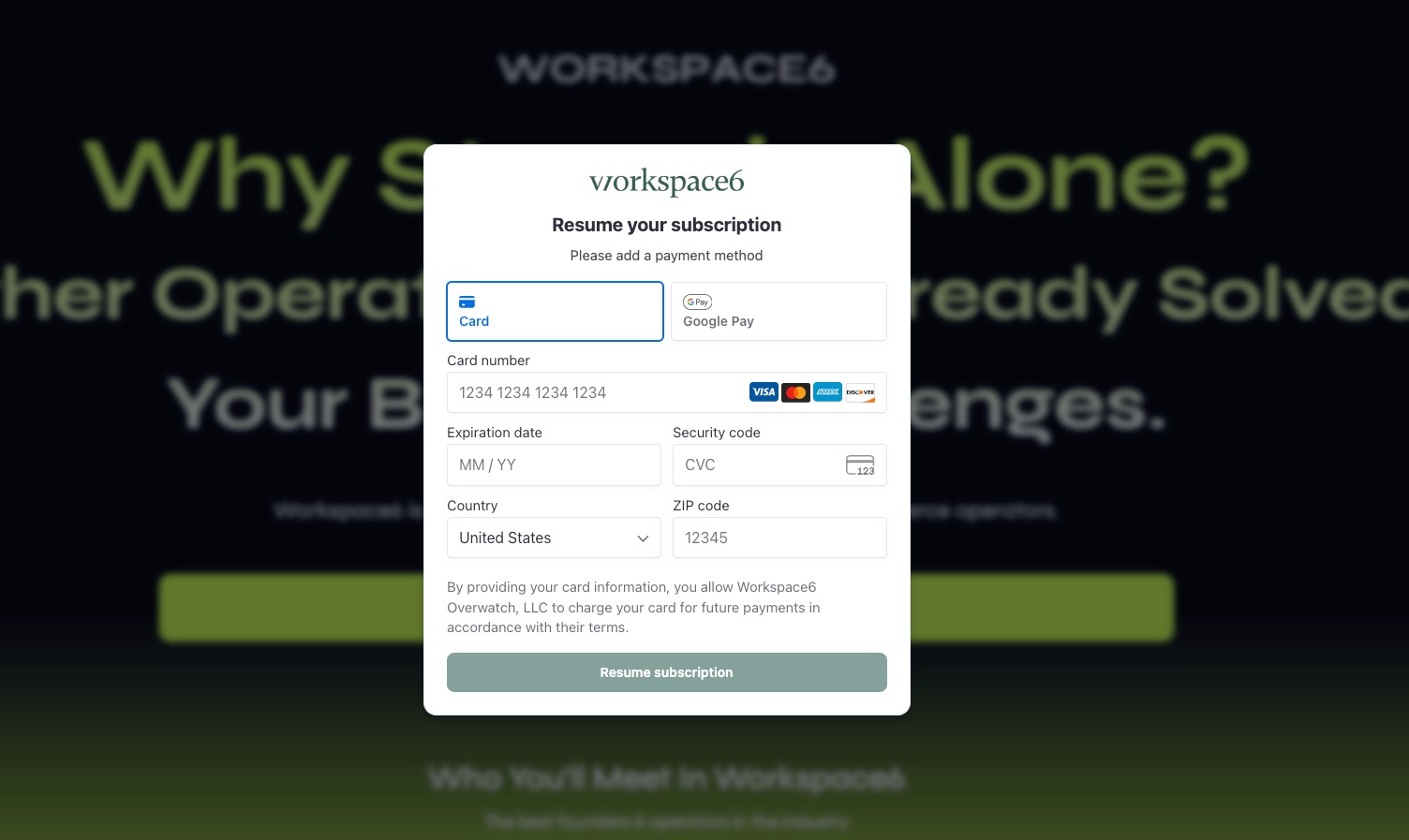
> When a transaction is unrecoverable via retries, such as a hard decline or an expired card, Redux triggers Active Recovery. This stage engages the customer directly with smart email sending, magic links and no-login update forms to prompt a payment method update with no friction.
{% hint style="warning" %}
Steps 1 and 2 are done inside your dashboard in the [settings](https://dashboard.reduxpayments.com/settings) page.
{% endhint %}
### 2) Configure Email Smart Sending:
When you enable Smart Sending, Redux will help you find the optimal recovery email sending time to increase open and click rates. Redux learns your customer's behaviors to send emails in their local time.
**1) Confirm your email address' domain**
The following instructions are set up so that we can send from a `yourdomain.com` email address on your behalf.
**2) Add the DKIM and Return-Path records from your account to your DNS provider**
You can find these inside your [dashboard.reduxpayments.com](https://dashboard.reduxpayments.com) account. You'll also receive step-by-step instructions from Postmark, our email provider, with all the details you need.
Type
Host
Value
TTL
TXT
Unique value found in your Redux dashboard
Unique value found in your Redux dashboard
Default (or 1 hour)
CNAME
redux-pm
pm.mtasv.net
Default (or 1 hour)
Our team will verify DKIM and Return-Path on our side and confirm they’re active.
{% hint style="warning" %}
Need help? Our email provider, Postmark, has a [setup guide](https://postmarkapp.com/support/article/resources-for-adding-dkim-and-return-path-records-to-dns-for-common-hosts-and-dns-providers) for the most common DNS providers
{% endhint %}
***
### 3) Configure Instant Update Forms:
The last step is to add the recovery form snippet to your website. Customers who click on your recovery emails will be sent to this form so they can update their payment information without having to login. This increases recovery rates on your failed payments.
**1) Add this script to the \ tag on your website's homepage**
```
```
**2) Deploy and verify**
Let us know when this is ready and our team will verify to make sure the snippet is correctly installed.
{% hint style="success" %}
That's all you need to do to setup Redux! Most teams are fully live within 30 minutes.
{% endhint %}
.png?alt=media&token=32bb3ed1-4e41-44e1-adbd-bb6fbbc04b1b)
.png?alt=media&token=c2d5d780-e20c-4c26-9ca4-873ebc11b62d)
.png?alt=media&token=616fb857-3ebc-45eb-8558-00092dc54bec)
.png?alt=media&token=e95e7cf6-f6e8-49dc-bce4-6959c1929319)
.png?alt=media&token=a5cf8644-5845-4e18-a766-7b2ed4a9f14a)
.png?alt=media&token=a157cff1-4bb3-47da-8fa4-e03b1ea70932)